Full Walkthrough Guía Completa
Paste Any Website URL Pega Cualquier URL de Sitio Web
Open html2elementor.com and paste the URL of any website you want to convert — WordPress sites, landing pages, HTML pages, or static sites all work perfectly. Abre html2elementor.com y pega la URL del sitio web que quieres convertir — funciona con sitios WordPress, landing pages, páginas HTML y sitios estáticos.
AI Fetches & Analyzes the Page La IA Obtiene y Analiza la Página
Our AI fetches the full page HTML, then analyzes layout structure, typography, color palette, and content sections to understand how the page is built. La IA descarga el HTML completo de la página y analiza la estructura de maquetación, tipografía, paleta de colores y secciones de contenido para entender cómo está construida.
Elementor JSON is Generated Se Genera el JSON de Elementor
AI generates fully Elementor-compatible JSON that recreates the website layout as Elementor containers and widgets — ready to edit and import in seconds. La IA genera un JSON totalmente compatible con Elementor que recrea el diseño del sitio web con contenedores y widgets listos para editar e importar.
Edit Text, Colors & Layout Edita Texto, Colores y Maquetación
Use the built-in visual editor to adjust any element before exporting. Change text, swap colors, modify spacing, and give AI natural-language instructions like "make the button red". Usa el editor visual integrado para ajustar cualquier elemento antes de exportar. Cambia textos, colores, espaciado y da instrucciones en lenguaje natural a la IA como "pon el botón rojo".
Export to Elementor Exportar a Elementor
Click "Export to Elementor" to download your .json template file. This is your complete, ready-to-import Elementor page — no coding needed.
Haz clic en "Exportar a Elementor" para descargar tu archivo .json. Esta es tu página Elementor completa lista para importar — sin código.
Open Your WordPress Site Abre tu Sitio WordPress
Switch to your WordPress site and open the WP Admin dashboard where you will integrate the exported Elementor template. Ve a tu sitio WordPress y abre el panel de administración donde integrarás la plantilla Elementor exportada.
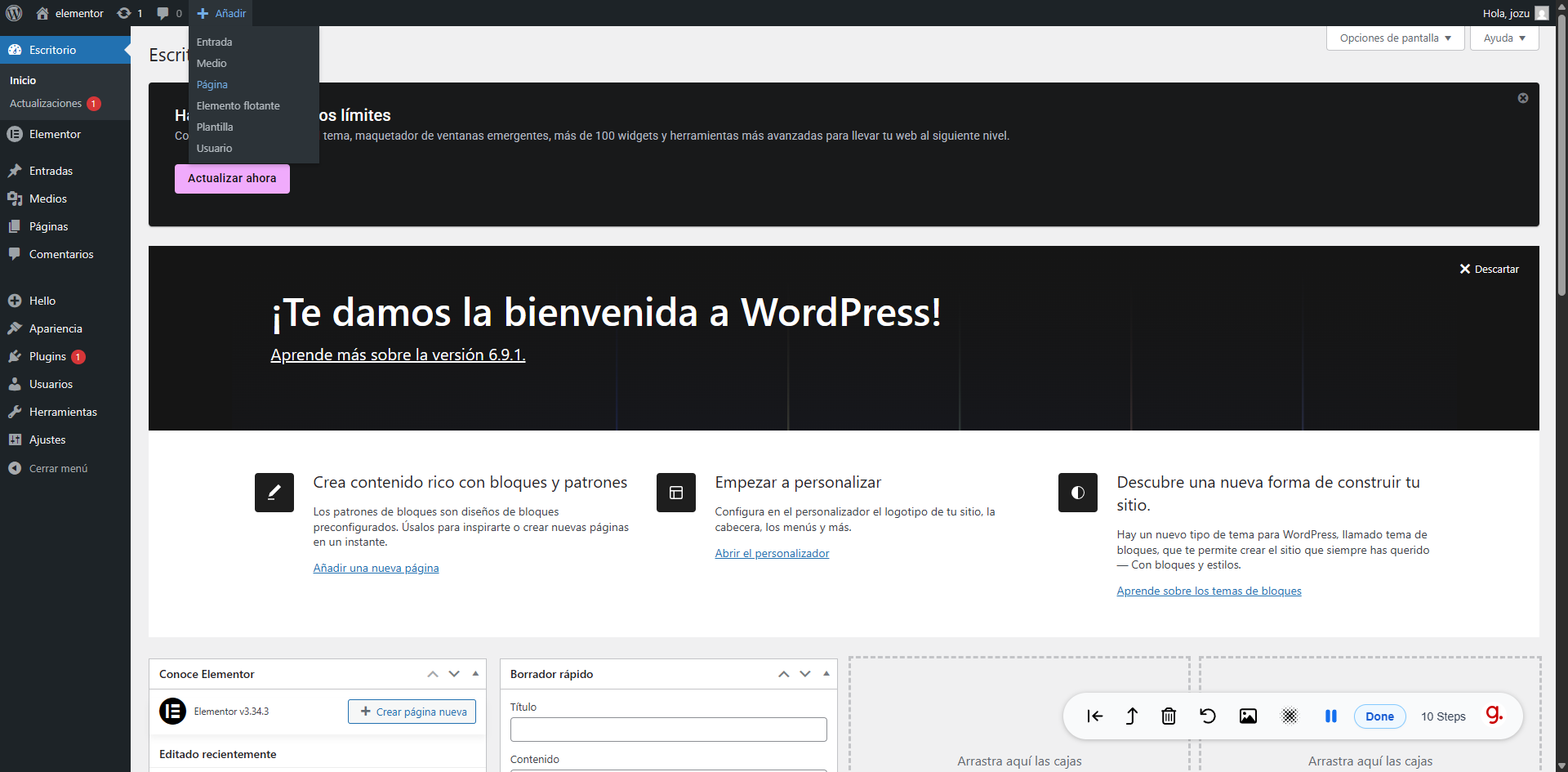
Navigate to Pages Ve a Páginas
In WordPress admin, click the Pages menu and open the page where you want to use the converted Elementor template. En el panel de WordPress, haz clic en Páginas y abre la página donde quieres usar la plantilla Elementor convertida.
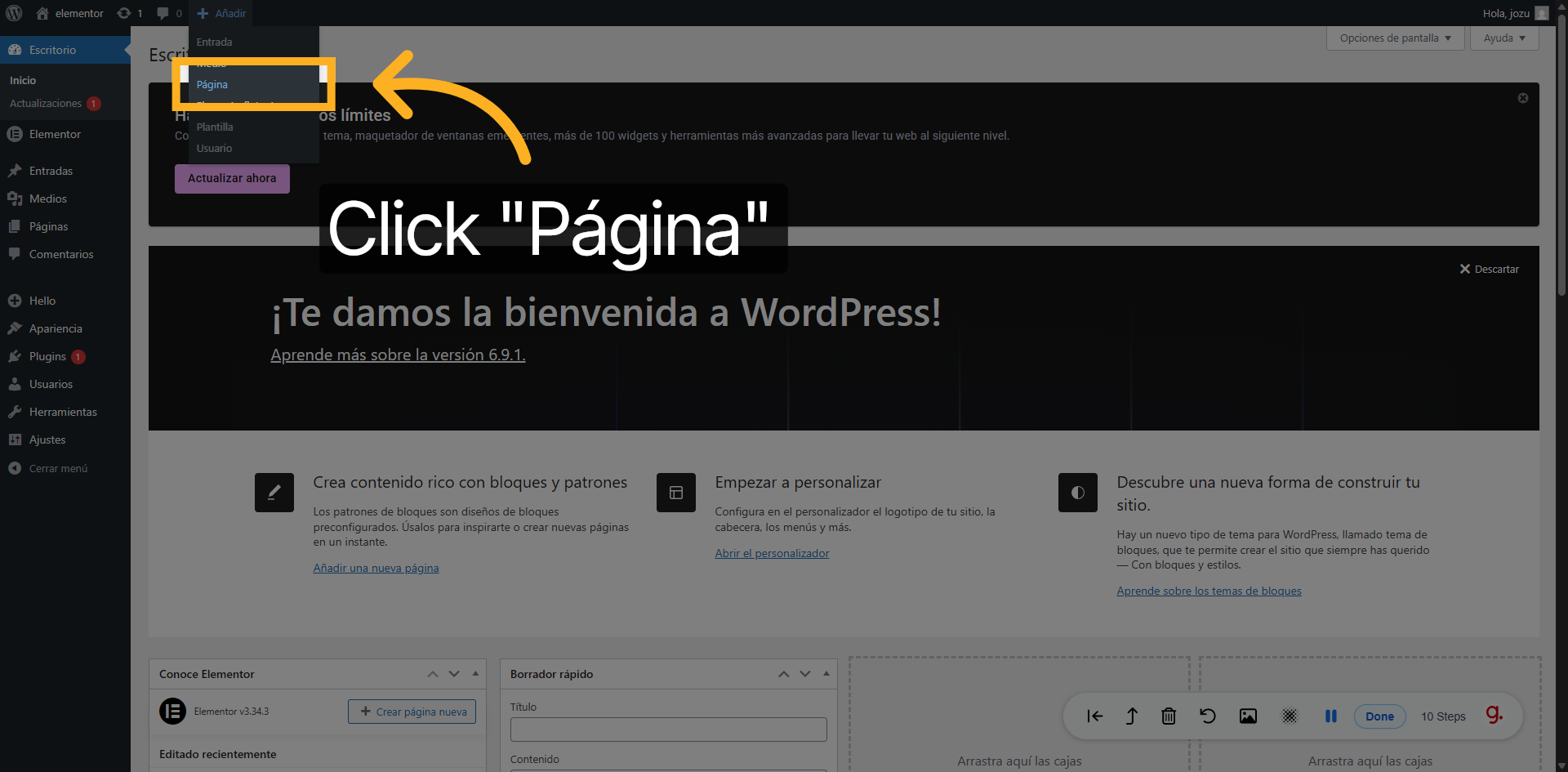
Edit with Elementor Editar con Elementor
Click "Edit with Elementor" on your chosen page to open the full Elementor page builder where you will import the template. Haz clic en "Editar con Elementor" en la página elegida para abrir el constructor donde importarás la plantilla.
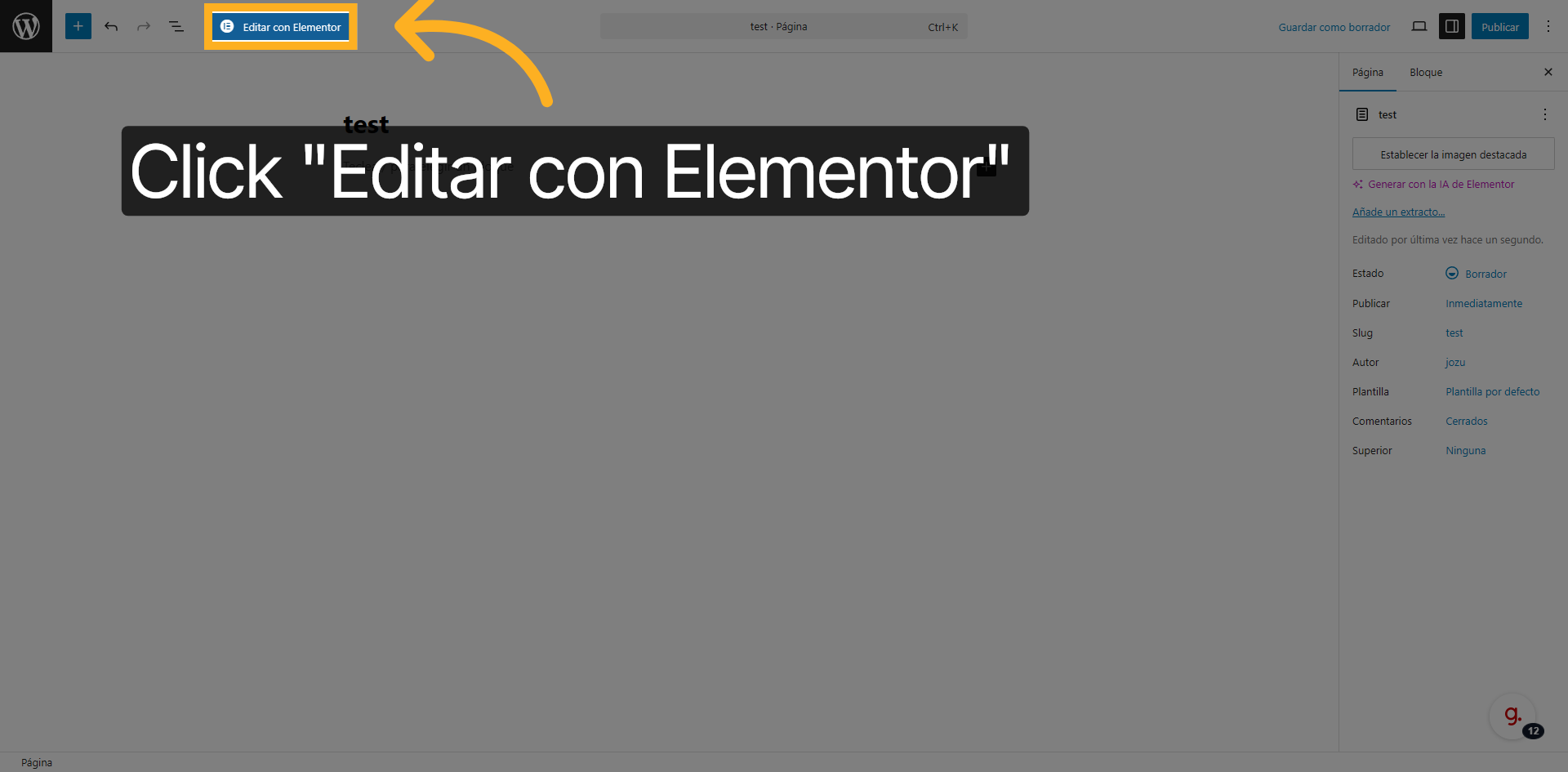
Open the Templates Panel Abre el Panel de Plantillas
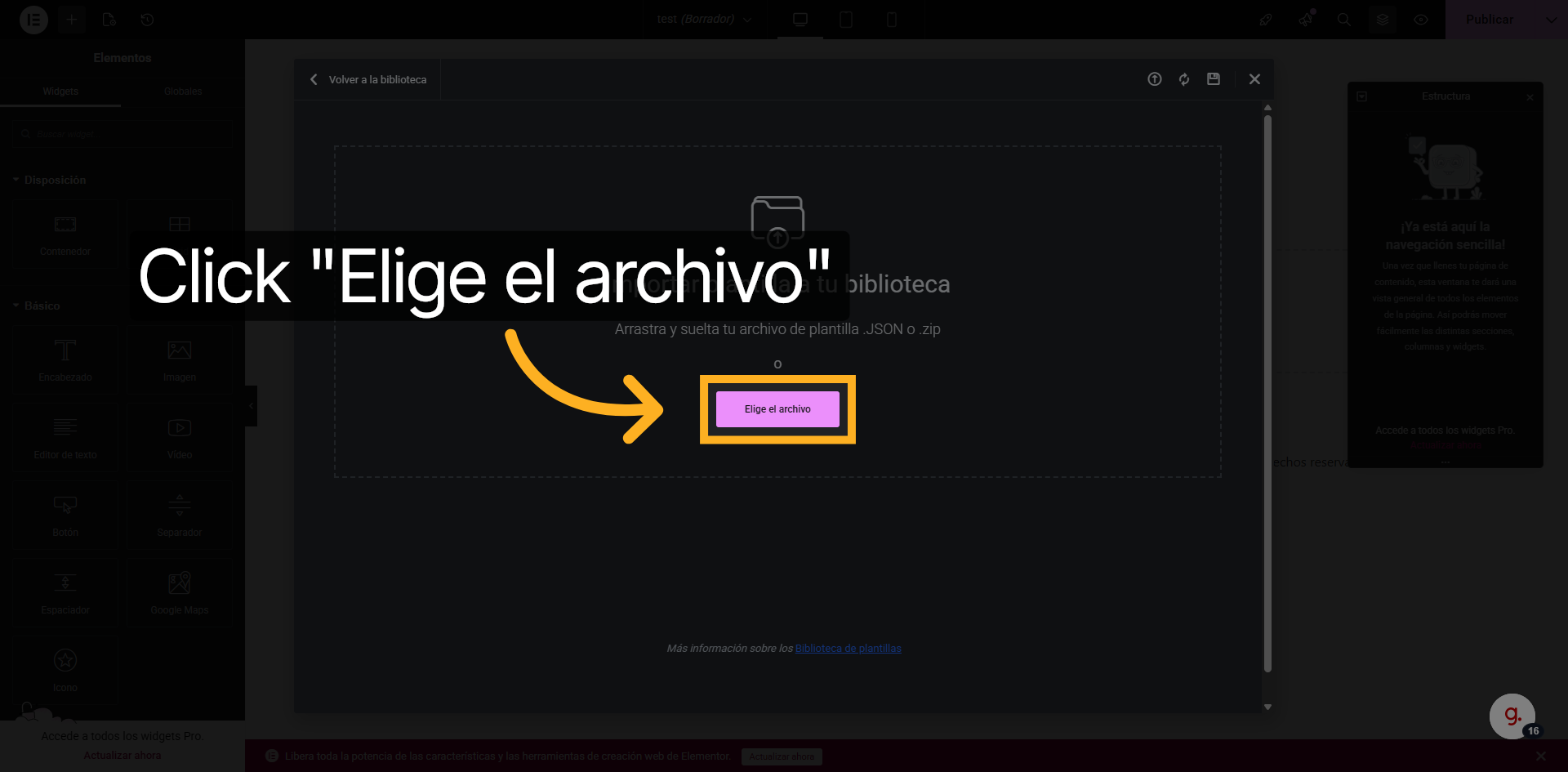
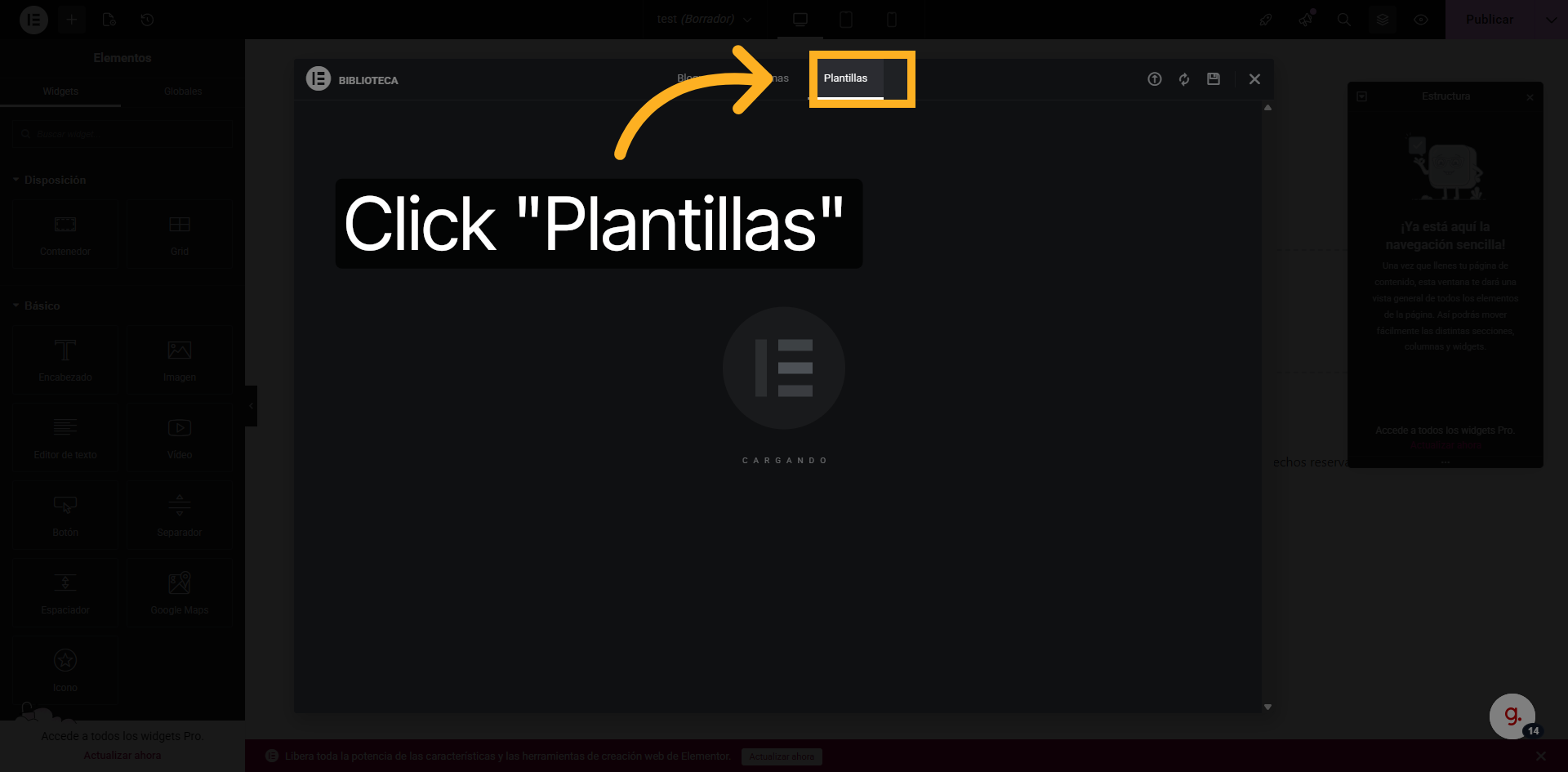
In the Elementor editor, click Templates (Plantillas) to open the templates panel, then click "Select File" to browse for the .json file you downloaded.
En el editor de Elementor, haz clic en Plantillas para abrir el panel, luego haz clic en "Elige el archivo" para localizar el .json descargado.
Import & Publish Importa y Publica
Select your .json file, click Insert and then Apply. Your converted page is now live inside Elementor — fully editable and ready to publish.
Selecciona tu archivo .json, haz clic en Insertar y luego en Aplicar. Tu página convertida está activa en Elementor — totalmente editable y lista para publicar.